
When packing your bags for an overseas vacation, guessing how many gigabytes of travel esim data you need is one of the most common dilemmas. Buy too little data, and your connection cuts off while navigating dark streets in an unfamiliar city. Buy too much, and you pay for expensive gigabytes you never end up using.
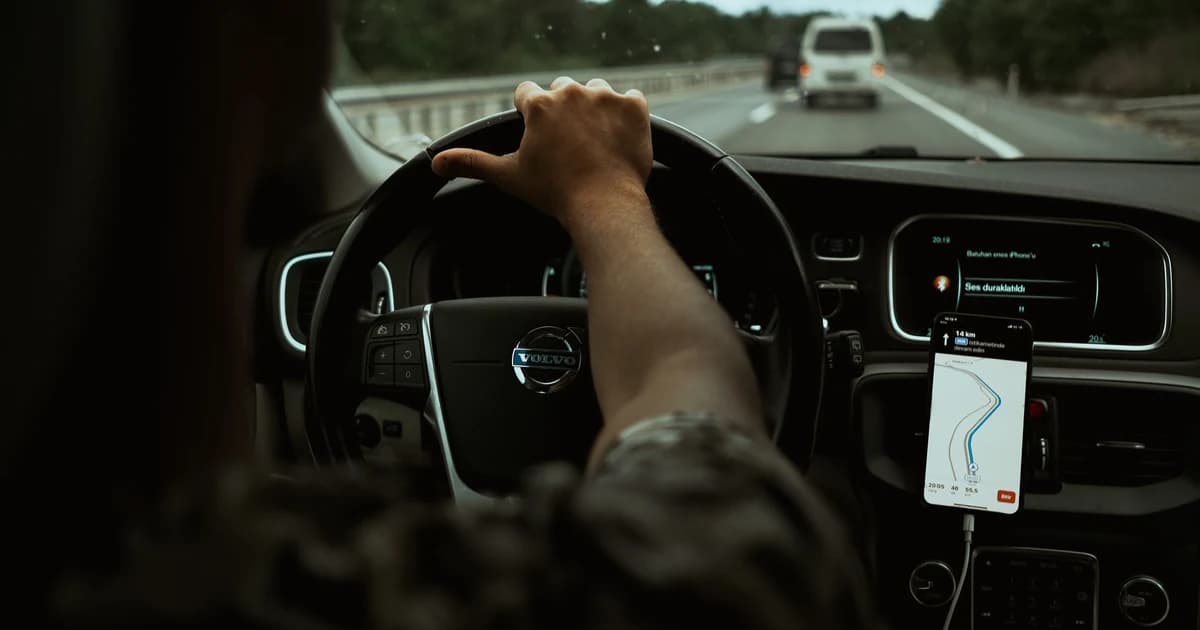
Mobile data consumption increases dramatically while traveling. When you are out exploring all day without access to your home or office Wi-Fi, your smartphone constantly uses cellular data for GPS turn-by-turn navigation, ride-hailing apps, restaurant reviews, real-time language translation, and social media uploads.
This comprehensive guide breaks down app-by-app data consumption, provides a realistic travel data calculator, and shares proven tricks to slash your mobile data usage by up to 60%.
Last verified: October 2026
⚡ Key Takeaways & Quick Summary
- The Baseline Benchmark: The average international traveler consumes between 800 MB and 1.5 GB per day for standard navigation, messaging, web lookups, and occasional social sharing.
- Major Data Drains: Video apps (TikTok, Instagram Reels, YouTube, FaceTime) account for over 70% of unexpected cellular data consumption.
- Offline Download Hack: Pre-downloading Google Maps areas and Spotify playlists over home Wi-Fi before boarding your flight cuts cellular data burn by more than half.
- Right-Sized Packages: A 5 GB bundle is ideal for 7 days, 10 GB covers a 14-day trip, and 20 GB easily powers a full month of active travel.
📱 Featured Plan: Instant Travel eSIMs for 200+ Destinations
- Coverage: Transparent prepaid packages sized perfectly from 1 GB to 20 GB+
- Flexibility: Add more data instantly anytime via your order reference number
- Pricing: From $0.66 • 100% Prepaid • Instant 2-Minute QR Delivery
App-by-App Mobile Data Consumption Breakdown
To estimate your trip requirements accurately, look at what popular travel applications actually consume per hour of active use:
 Tracking app-by-app cellular usage helps travelers optimize background refresh settings and eliminate data waste.
| Application / Activity | Data Consumed Per Hour | 7-Day Total (1 hr/day) | Data Conservation Tip |
|---|---|---|---|
| Google Maps / Apple Maps | 15 MB – 25 MB | ~140 MB | Download "Offline Maps" prior to travel |
| WhatsApp / iMessage (Text) | 2 MB – 5 MB | ~25 MB | Text messages consume virtually negligible data |
| WhatsApp Voice Call | 30 MB – 45 MB | ~250 MB | Clear HD voice with low data consumption |
| FaceTime / WhatsApp Video Call | 200 MB – 350 MB | ~1.8 GB | Reserve long video calls for hotel Wi-Fi |
| Instagram Browsing & Stories | 250 MB – 400 MB | ~2.3 GB | Turn on "Use Less Cellular Data" in app settings |
| TikTok / YouTube Shorts | 400 MB – 700 MB | ~3.5 GB | Massive data hog; avoid cellular scrolling |
| Uber / Bolt / Grab / Careem | 10 MB – 20 MB | ~100 MB | Very lightweight; safe for frequent use |
| Spotify / Apple Music (Normal) | 45 MB – 70 MB | ~400 MB | Download favorite albums offline over Wi-Fi |
| Netflix / YouTube (Standard 480p) | 500 MB – 700 MB | ~4.0 GB | Lower playback quality to standard definition |
| Netflix / YouTube (Full HD 1080p) | 1.5 GB – 3.0 GB | ~14.0 GB | Never stream 1080p video over travel data! |
Travel Data Calculator: How Much Data Do You Need?
Use this sizing table to pick the perfect data package for your trip duration and travel style:
1. The Light Traveler (Messaging, Maps & Travel Essentials)
- Activities: Checking Google Maps, sending WhatsApp messages, ordering Ubers, and checking museum tickets. No video streaming or social media video feeds.
- Daily Average: ~500 MB / day
- Recommended Packages:
- 3–4 Days: 1 GB – 2 GB (from $0.66)
- 7 Days: 3 GB (from $3.50)
- 14 Days: 5 GB (from $7.00)
- 30 Days: 10 GB (from $15.00)
2. The Standard Tourist (Photos, Social Media & Live Navigation)
- Activities: Continuous GPS navigation, posting holiday photos to Instagram, looking up TripAdvisor reviews, listening to streamed music, and daily voice calls.
- Daily Average: ~1.0 GB to 1.5 GB / day
- Recommended Packages:
- 3–4 Days: 3 GB
- 7 Days: 5 GB – 7 GB
- 14 Days: 10 GB – 15 GB
- 30 Days: 20 GB
3. The Digital Nomad / Remote Worker (Hotspot & Video Meetings)
- Activities: Tethering laptops via personal hotspot, conducting Zoom meetings, uploading large cloud files, and evening video streaming.
- Daily Average: 2.5 GB to 4.0 GB+ / day
- Recommended Packages:
- 7 Days: 15 GB – 20 GB
- 14–30 Days: 20 GB – 50 GB (or daily unlimited high-speed passes)
5 Practical Tricks to Cut Travel Data Usage by 60%
Follow these simple configuration adjustments to make your gigabytes last twice as long:
- Download Offline Google Maps: Open the Google Maps app, tap your profile icon, select Offline maps, and download the city or region you are visiting. Your phone can now provide full GPS turn-by-turn navigation without burning a single megabyte of cellular data.
- Turn Off Background App Refresh:
- On iPhone: Go to
Settings > General > Background App Refreshand turn it OFF (or set to Wi-Fi Only). - On Android: Go to
Settings > Network & internet > Data Saverand toggle it ON.
- On iPhone: Go to
- Disable Automatic Cloud Photo Backup on Cellular: Prevent Google Photos, Apple iCloud, and Dropbox from uploading your holiday 4K photos and videos over mobile data. Set backups to run over Wi-Fi only.
- Enable Low Data Mode:
- On iPhone: Open
Settings > Cellular > [Travel eSIM] > Low Data Modeand toggle it ON. This automatically pauses automatic app updates and background sync tasks.
- On iPhone: Open
- Download Entertainment Before Flying: Download movies on Netflix, podcasts, and music playlists onto your phone before boarding your flight.
Frequently Asked Questions (FAQ)
Is 10 GB of data enough for 2 weeks in Europe or the USA?
Yes! For 90% of travelers, 10 GB is the sweet spot for a 14-day holiday. It allows for continuous daily GPS navigation, hundreds of WhatsApp messages, regular photo sharing on social media, and translation lookups with comfortable headroom to spare.
What happens if I run out of data while abroad?
With TurboESIM, your data connection simply pauses. You will never be billed unexpected overage charges. You can quickly top up more gigabytes onto your existing profile via My eSIM Order Lookup.
Does turning off mobile data stop me from receiving phone calls?
No. If you keep your domestic physical SIM active on standby, you will still receive incoming voice calls and two-factor SMS text messages. Only mobile internet traffic routes through the travel eSIM.