
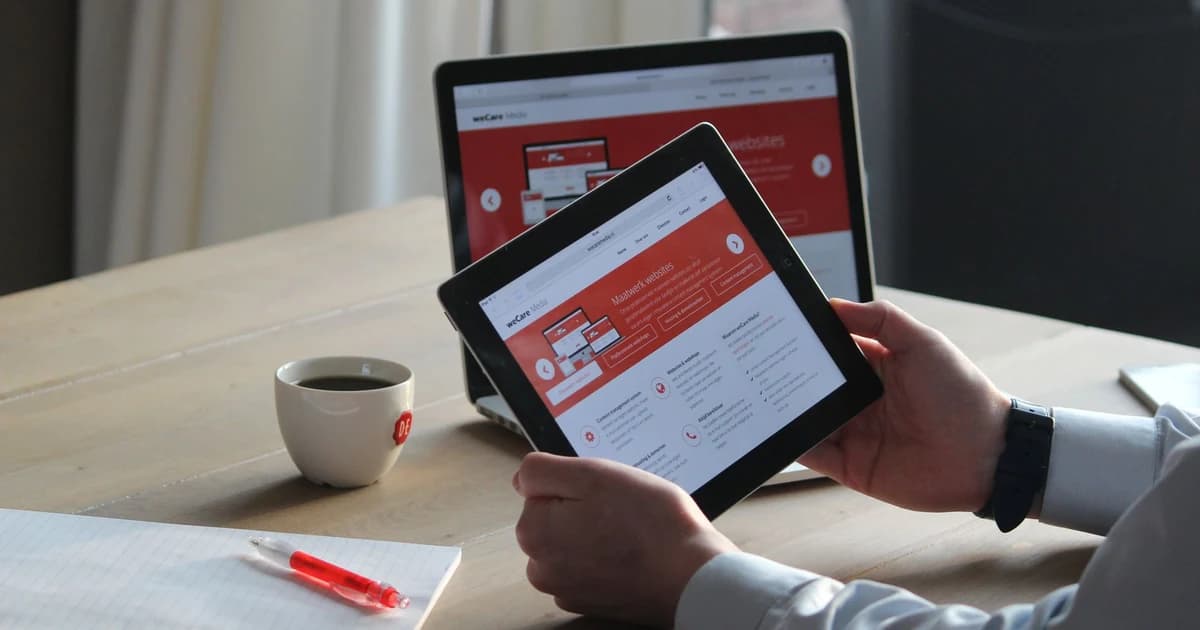
If you own an Apple iPad, Samsung Galaxy Tab, or Android tablet, you know how indispensable it is for travel: watching movies on long flights, editing travel photos, reading guidebooks, and catching up on emails from hotel lobbies and cafes.
When preparing for an international trip, many travelers wonder: Can you use an eSIM on a non-cellular (Wi-Fi only) iPad or tablet?
The short and definitive answer is no, a Wi-Fi-only tablet cannot install an eSIM directly. However, you do not need to buy a brand new tablet or pay expensive hotel Wi-Fi fees to stay connected.
In this hardware and connectivity guide, we explain the technical difference between cellular and non-cellular tablets, show you the easiest zero-cost workarounds to get fast internet on your Wi-Fi tablet anywhere in the world, and list every iPad model that natively supports travel eSIMs.
Last verified: October 2026
⚡ Key Takeaways & Quick Summary
- Hardware Limitation: Non-cellular (Wi-Fi only) iPads and tablets lack cellular baseband modems and mobile antennas. They have no internal eUICC microchip, meaning it is physically impossible to download or install an eSIM profile on them.
- The Seamless Workaround: Install a high-speed travel eSIM on your smartphone, turn on Personal Hotspot, and connect your non-cellular iPad via Wi-Fi or Apple Instant Hotspot.
- Zero Tethering Restrictions: All TurboESIM prepaid plans permit 100% unrestricted hotspot sharing with your iPad, laptop, and travel companions starting from just $0.66.
- Which iPads Have eSIM? Only Wi-Fi + Cellular iPad models (iPad Pro, iPad Air 3rd gen+, iPad 7th gen+, iPad mini 5th gen+) feature built-in eSIM hardware.
📱 Featured Solution: Power Your Tablet via Smartphone Hotspot
- Tethering: 100% Permitted Hotspot Sharing on all plans
- Coverage: 200+ Countries & Regions with Instant QR Delivery
- Pricing: From $0.66 • 100% Prepaid • No recurring contracts
The Technical Reality: Why Wi-Fi-Only Tablets Cannot Use eSIM
Many tablet owners assume that because an eSIM is "digital" software (provisioned via a QR code), any smart device with a camera and screen should be able to scan and run it.
However, an eSIM is not purely software. It relies on dedicated internal hardware components:
- The eUICC Chip: A microscopic physical semiconductor soldered directly onto the device’s motherboard.
- The Baseband Cellular Modem: A specialized radio processor (manufactured by Qualcomm or Apple) that modulates 5G and 4G LTE radio frequencies.
- Internal Cellular Antennas: RF antenna lines embedded along the frame of the device that communicate with cell towers up to 20 miles away.
In Wi-Fi only iPads and tablets, Apple and other manufacturers completely omit the cellular modem, antenna bands, and eUICC microchip to reduce manufacturing costs and sell devices at lower price points (typically $130–$150 cheaper than cellular models).
Because the hardware does not exist inside a Wi-Fi-only tablet, no app, software update, or QR code can enable cellular connectivity.
3 Easy Ways to Get Fast Internet on a Non-Cellular iPad Abroad
Even though your tablet cannot run an eSIM internally, you can easily connect it to mobile data anywhere in the world using these three proven methods:
Method 1: The Smartphone Personal Hotspot (Recommended)
This is the simplest and most cost-effective method used by 90% of international travelers:
- Purchase and install a prepaid travel plan from TurboESIM on your smartphone (iPhone, Samsung, or Google Pixel).
- On your phone, go to Settings > Personal Hotspot (or Mobile Hotspot) and toggle it ON.
- On your non-cellular iPad, open Settings > Wi-Fi, find your phone's network name, and enter your password.
- Your iPad will now browse, stream, and download at full 5G/4G cellular speeds through your phone's data plan.
🍎 Apple Instant Hotspot Tip: If your iPhone and iPad share the same Apple ID, you do not even need to type a password! When your iPad is awake near your iPhone, it will automatically display your iPhone under Wi-Fi networks and connect with a single tap.
Method 2: Portable 4G/5G Pocket Wi-Fi Router
If you travel with a family or multiple laptops, a dedicated portable mobile router (MiFi hotspot) is an excellent alternative:
- It keeps your phone battery cool and fully charged while powering your tablet for 10–14 hours continuously.
- You can install an eSIM into modern native travel routers (like the GL.iNet Spitz AX or Puli AX) or use an adapter card in standard portable hotspots.
Method 3: Offline Pre-Loading (For Flights & Remote Treks)
If you are traveling in remote areas with zero cell signal:
- Download Netflix shows, YouTube videos, and Spotify playlists over your hotel Wi-Fi before heading out.
- In Google Maps, download offline city maps for your destination so you can navigate offline on your iPad screen.
Which iPad Models Natively Support eSIM?
If you are considering upgrading or want to check whether your current iPad is actually a cellular model, review this comprehensive compatibility list:
| iPad Series | Generations With Built-in eSIM (Wi-Fi + Cellular Only) |
|---|---|
| iPad Pro 11-inch | 1st, 2nd, 3rd, 4th Generation & M4 models |
| iPad Pro 12.9-inch & 13-inch | 3rd, 4th, 5th, 6th Generation & M4 models |
| iPad Air | 3rd, 4th, 5th Generation & 11"/13" M2 models |
| iPad (Standard) | 7th, 8th, 9th, and 10th Generation |
| iPad mini | 5th, 6th Generation & A17 Pro models |
Note: Models purchased in Mainland China may feature different SIM specifications.
🔍 Check Any Device in 3 Seconds: Unsure whether your phone or tablet has eSIM hardware? Use our free interactive eSIM Device Compatibility Checker to verify your device instantly.
Step-by-Step Guide: How to Check if Your iPad Has Cellular Hardware
Not sure if your iPad is Wi-Fi only or Wi-Fi + Cellular? Here is how to verify in 10 seconds:
Step 1: Check Your iPad Settings
- Open the Settings app on your iPad.
- Look at the left sidebar menu under Wi-Fi and Bluetooth.
- If you see "Cellular Data" (or "Mobile Data"), your iPad has cellular hardware and supports eSIM!
- If you only see Wi-Fi, Bluetooth, and VPN, your iPad is Wi-Fi only.
Step 2: Check the Physical Frame
- Antenna Plastic Band: Cellular iPads have a thin plastic antenna band running along the top edge or back of the aluminum casing to allow radio signals through.
- Physical SIM Tray: Most older cellular iPads feature a tiny SIM card tray on the lower side frame.
Frequently Asked Questions (FAQ)
Can I plug a USB cellular dongle into my Wi-Fi iPad?
Generally, no. Modern iPads running iPadOS do not support third-party USB cellular modems due to lack of driver support in iOS/iPadOS. The only reliable way to connect a non-cellular iPad to cellular data is via Wi-Fi tethering from a smartphone or pocket router.
Does tethering my iPad drain my phone battery quickly?
Yes, running a smartphone Wi-Fi hotspot continuously uses 15%–25% more battery per hour. To mitigate this during travel, carry a compact 10,000 mAh power bank or connect your phone to low power mode while hotspotting.
Does TurboESIM charge extra fees for tethering to an iPad?
No! All TurboESIM plans include 100% free hotspot sharing. You can share your high-speed data with your iPad, laptop, Nintendo Switch, or travel companion without paying any tethering surcharge.
Can an iPad with native eSIM make phone calls?
iPads do not have native phone dialer hardware. However, with an active data connection, you can make voice and video calls through FaceTime, WhatsApp, Skype, Zoom, or Google Meet. If you have an iPhone, Apple's "Calls on Other Devices" feature allows phone calls from your iPhone to ring on your iPad when both are nearby.